Lock-on Targeting
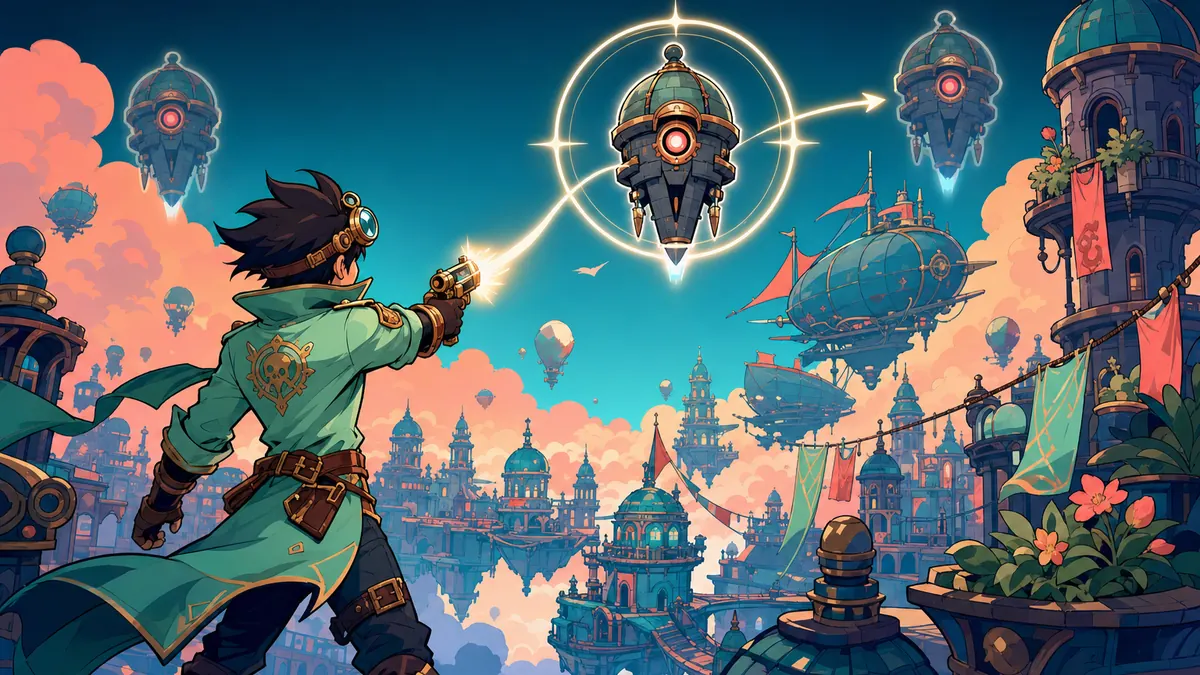
Lock-on targeting lets a button fix the camera and attacks on one enemy, and a flick of the stick moves to the next. The first pick weighs what the player looks at against what is nearest. The lock holds through a short loss of sight, lets go on a second press, and never keeps an enemy that is gone.
Paste this to your AI
Copy it into Claude, Cursor or ChatGPT. It already has good values and the usual mistakes in it.
Add "Lock-on Targeting" to my game.

What it should do: In a fight with several enemies, the player should not have to aim by hand while dodging. Locking onto one enemy makes attacks and the camera follow it, and the rules for picking and keeping that enemy decide whether the lock feels helpful or fights the player.

Build it exactly as this state machine. First check that it fits my game, then build it like this:

```mermaid
stateDiagram-v2
  [*] --> free
  free: No target
  locked: Locked on
  losing: Losing it
  free --> free: nothing to lock
  free --> locked: press locks a target
  locked --> locked: keeps or switches
  locked --> free: released or none left
  locked --> losing: target out of reach
  losing --> losing: waits for it
  losing --> locked: back in sight or replaced
  losing --> free: grace ran out or let go
```

Use these starting values:
- lockRange: 12 units
- breakRange: 16 units
- coneHalfAngle: 50 degrees
- graceTime: 1.5 s
- angleWeight: 1

Watch out for these common mistakes:
- Holding the button: Tell your AI: find the press yourself by comparing with the last tick, and act only on the new press.
- Holding the stick: Tell your AI: one push is one switch, and the next switch needs the stick back in the middle.
- The seam in the angles: Tell your AI: wrap the difference of two angles into the range minus 180 to 180 before comparing.
- A target that is gone: Tell your AI: look the target up every tick, and when it is gone, take the nearest one in reach or let go.
- Dropping the lock at the first pillar: Tell your AI: give the lock a grace time, and start it over when the target is back.
- Two enemies in a line: Tell your AI: allow a target with the same angle as a switch target, the nearer one first.

Do not change anything else in the game. Do not claim anything without proof: model what it takes, and show me what your solution rests on and how I can see that it works. If you cannot show something, say you do not know. When you are done, tell me in plain words how to try it.Or skip this and connect the MCP: your AI then finds all of this by itself.Connect the MCP
What it does
In a fight with several enemies, the player should not have to aim by hand while dodging. Locking onto one enemy makes attacks and the camera follow it, and the rules for picking and keeping that enemy decide whether the lock feels helpful or fights the player.
How it runs, as a diagram
Everything it can be in, and what moves it on. Your AI builds from exactly this.
How it runs, as a diagram
- No target → No target: nothing to lock
- No target → Locked on: press locks a target
- Locked on → Locked on: keeps or switches
- Locked on → No target: released or none left
- Locked on → Losing it: target out of reach
- Losing it → Losing it: waits for it
- Losing it → Locked on: back in sight or replaced
- Losing it → No target: grace ran out or let go
Good starting values
| Value | Start with | What it changes |
|---|---|---|
| lockRange | 12 units | How far away a target can be to be locked onto. Twelve is about a screen wide: far enough to pick out the enemy that matters, near enough that the player can see what it does. |
| breakRange | 16 units | How far away the locked target can get before it counts as lost. It must be larger than the lock range, or a target at the edge flips between locked and lost. A smaller value counts as the lock range. |
| coneHalfAngle | 50 degrees | How far to either side of the aim a first lock looks. Fifty degrees covers what the player is facing and a little more. A full search all around picks enemies the player never meant to fight. |
| graceTime | 1.5 s | How long a locked target may stay out of reach or out of sight before the lock lets go. A second and a half bridges a pillar or a quick dodge without keeping a lock on something long gone. |
| angleWeight | 1 | How much the angle counts against the distance when the first target is chosen. At one, a target 45 degrees to the side must be much nearer than one straight ahead to win. At zero the nearest wins, whatever the player looks at. |
What usually goes wrong
Holding the button
If the game checks whether the lock button is down instead of whether it was just pressed, holding it locks and lets go again every tick, and the lock flickers.
Fix: Tell your AI: find the press yourself by comparing with the last tick, and act only on the new press.
Holding the stick
If the stick is read as a level, holding it to the side switches target every tick and flies through all enemies in a blink.
Fix: Tell your AI: one push is one switch, and the next switch needs the stick back in the middle.
The seam in the angles
Looking almost straight left, one angle is just above 180 degrees and the target's is just below minus 180. Subtracting them gives nearly 360, and the enemy right in front is outside the cone.
Fix: Tell your AI: wrap the difference of two angles into the range minus 180 to 180 before comparing.
A target that is gone
An enemy that dies or is removed while locked leaves the lock pointing at nothing: the camera stares at an empty spot or the game crashes on a missing enemy.
Fix: Tell your AI: look the target up every tick, and when it is gone, take the nearest one in reach or let go.
Dropping the lock at the first pillar
A lock that lets go the moment a wall or pillar blocks the view makes the player lock on again in the middle of a dodge.
Fix: Tell your AI: give the lock a grace time, and start it over when the target is back.
Two enemies in a line
When a second enemy stands exactly behind the first, no push left or right reaches it, because its angle is the same as the one locked.
Fix: Tell your AI: allow a target with the same angle as a switch target, the nearer one first.
How to check it works
- Two enemies, one nearer but to the side, one a bit farther but straight ahead. Press lock: The one straight ahead is locked.
- Enemies at the side, behind and too far away. Press lock: Nothing is locked.
- The player looks almost straight left, and an enemy stands just below that line. Press lock: The enemy is locked.
- An enemy ahead. Hold the lock button for half a second: It locks once and stays locked.
- An enemy is locked. Press lock again: The lock lets go.
- Three enemies in an arc, the middle one locked. Flick the stick left, bring it back, flick it right twice: Each flick moves the lock one step that way.
- Three enemies in an arc, one locked. Hold the stick to one side for two thirds of a second: The lock moves exactly one step.
- The locked enemy goes behind a pillar. 1.4 seconds pass, then it steps out again: The lock was kept, and the grace time starts from zero next time.
- The locked enemy goes behind a pillar. 1.5 seconds pass: The lock lets go.
- An enemy is locked and dies. The next tick runs, with other enemies near, then with none: The lock moves to the nearest one, or lets go, and never holds the dead one.
- An enemy 14 units away, then 17. Try to lock onto it, then keep a lock on it: It cannot be locked at 14, but a lock is kept at 14 and starts to be lost at 17.
Works well with
- Dodge Roll: While locked, the player circles the target instead of turning away from it. Aim attacks at the locked target, and let the roll go in the stick's direction around it.
- Enemy Patrol and Chase: A lock then survives a moment behind a wall, and a new lock never picks an enemy the player cannot see. Let a hidden enemy stay in the target list, marked as not visible.
- Health and Damage: The lock then passes on at once and the camera does not stare at a corpse. Remove an enemy from the target list in the same tick its health reaches zero.
- Camera Look-Ahead: Two things steering the camera at once make it shake. Let the lock decide where the camera looks, and let look-ahead work while free.
Common questions
how does lock-on targeting work in games
A button picks one enemy, mostly the one the player looks at and is near. The camera and the attacks then follow it until the player lets go, the enemy is gone or it stays out of reach too long. A flick of the stick moves to the next enemy.
why does my lock-on switch targets by itself
The game picks the nearest target again every tick. Choose the target once, on the press, and keep it until the player flicks the stick or the target is lost.
what happens to the lock when the enemy dies
Look the target up every tick. When it is gone, move to the nearest enemy in reach or let go. Never keep a number for an enemy that no longer exists.
what do i tell my ai to add lock-on targeting
Paste this: Add lock-on. A new press picks the target with the best mix of nearness and angle to the aim, within 12 units and 50 degrees. A stick flick moves to the next one by angle, once per push. The lock survives 1.5 seconds out of sight, and a gone target passes it on or lets go.
Where it comes from
We could not find a reliable origin for this one yet.
What was checked
- 19 tests pass on the reference code.
- The state diagram was checked against the code, at the default values and at every listed low and high value.
Your AI gets the code
Tested example code comes through the Spielerando connection, so your AI can use it right away. How to connect it