Dodge Roll
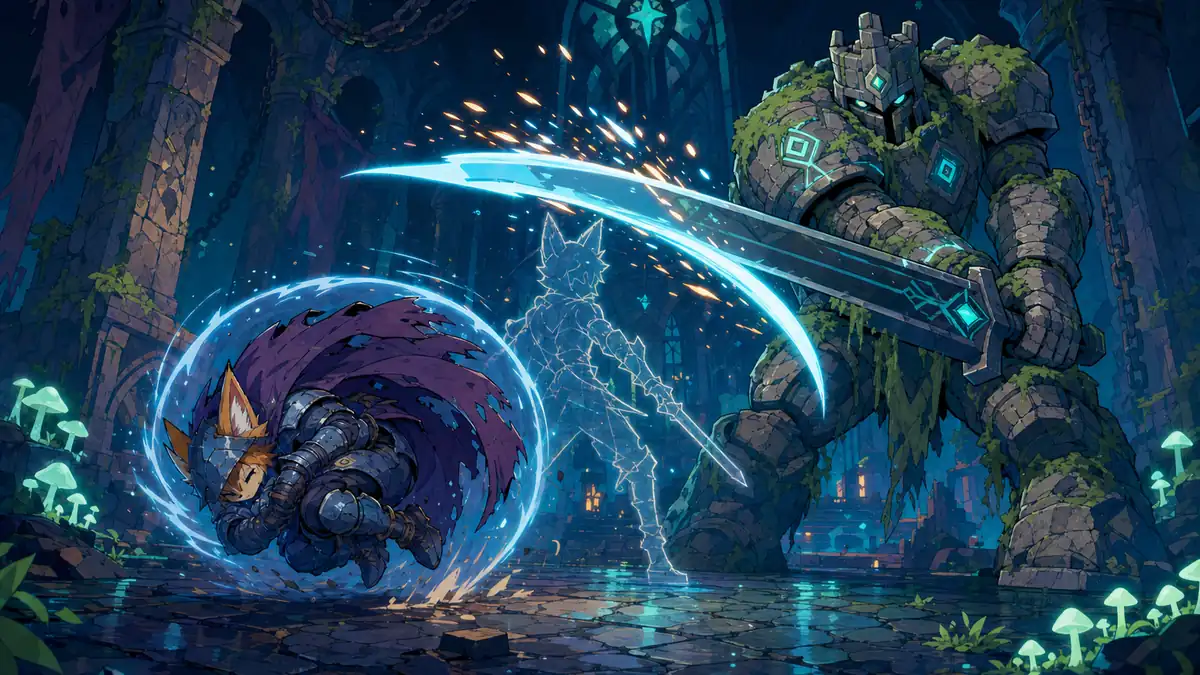
A dodge roll is a quick roll in the pushed direction that cannot be hurt for the middle part of it, leaving an open start and an open end. Measure the window in seconds, check hits against the whole tick, and ignore presses during the roll and the wait after it.
Paste this to your AI
Copy it into Claude, Cursor or ChatGPT. It already has good values and the usual mistakes in it.
Add "Dodge Roll" to my game.

What it should do: A quick roll that makes the character untouchable for part of it. It lets the player slip through an attack by timing, not by blocking, and the open start and end of the roll are what keep it a risk instead of a free pass.

Build it exactly as this state machine. First check that it fits my game, then build it like this:

```mermaid
stateDiagram-v2
  [*] --> ready
  ready: Ready
  startup: Open start
  evading: Protected
  recovery: Open end
  tired: Waiting
  hurt: Hurt
  ready --> startup: presses roll
  ready --> hurt: is hit
  startup --> evading: protection begins
  startup --> hurt: hit before protection
  evading --> recovery: protection ends
  recovery --> tired: roll ends
  recovery --> hurt: hit after protection
  tired --> ready: wait is over
  tired --> hurt: is hit
  hurt --> ready: stun wears off
```

Use these starting values:
- rollTime: 0.5 s
- rollDistance: 4 units
- protectStart: 0.12
- protectEnd: 0.65
- cooldownTime: 0.3 s
- hurtTime: 0.4 s

Watch out for these common mistakes:
- The protection counts ticks: Tell your AI: measure the window in seconds, as a share of the roll.
- A long tick steps over the window: Tell your AI: ask whether the window overlaps anything the tick covered, from where the roll was to where it is.
- A hit and a press in the same tick: Tell your AI: decide from how the tick began. A hit in a tick where the character was not yet rolling is a hit, whatever was pressed.
- Protected from first to last: Tell your AI: leave an open start and an open end. The protected window covers only the middle part of the roll.
- Hits during the stun: Tell your AI: do not count a new hit while the character is stunned, and make the stun long enough to get away.
- A press during the wait: Tell your AI: decide on purpose. Here a press during a roll, the wait or a stun is ignored. If you want it remembered, keep it for only a few hundredths of a second.

Do not change anything else in the game. Do not claim anything without proof: model what it takes, and show me what your solution rests on and how I can see that it works. If you cannot show something, say you do not know. When you are done, tell me in plain words how to try it.Or skip this and connect the MCP: your AI then finds all of this by itself.Connect the MCP
What it does
A quick roll that makes the character untouchable for part of it. It lets the player slip through an attack by timing, not by blocking, and the open start and end of the roll are what keep it a risk instead of a free pass.
How it runs, as a diagram
Everything it can be in, and what moves it on. Your AI builds from exactly this.
How it runs, as a diagram
- Ready → Open start: presses roll
- Ready → Hurt: is hit
- Open start → Protected: protection begins
- Open start → Hurt: hit before protection
- Protected → Open end: protection ends
- Open end → Waiting: roll ends
- Open end → Hurt: hit after protection
- Waiting → Ready: wait is over
- Waiting → Hurt: is hit
- Hurt → Ready: stun wears off
Good starting values
| Value | Start with | What it changes |
|---|---|---|
| rollTime | 0.5 s | How long the whole roll takes. Half a second is long enough to read and short enough to chain with the fight. |
| rollDistance | 4 units | How far the whole roll goes. About one body length and a half past the danger is the most a player can use. |
| protectStart | 0.12 | Where in the roll the protection begins, as a share of the roll. A short open start, about a tenth, makes the player press a little early instead of at the last moment. |
| protectEnd | 0.65 | Where in the roll the protection ends, as a share of the roll. It stays under nine tenths, so there is always an open end where the character can be hit. |
| cooldownTime | 0.3 s | The wait after a roll before the next one. It stops rolling again and again from being a way to stay safe. |
| hurtTime | 0.4 s | How long a hit stuns the character. Hits during the stun are not counted again, which gives the player a moment to recover. |
What usually goes wrong
The protection counts ticks
A protected window of a fixed number of ticks is twice as long on a game running at half the speed, so the game is easier on a slow machine.
Fix: Tell your AI: measure the window in seconds, as a share of the roll.
A long tick steps over the window
A slow frame can go from before the window to after it in one tick. A check that only asks whether the roll is protected right now sees nothing, and the hit hurts although the player rolled in time.
Fix: Tell your AI: ask whether the window overlaps anything the tick covered, from where the roll was to where it is.
A hit and a press in the same tick
If the roll starts first, the hit meets a character that is already rolling and may be taken. The player feels they were hit by an attack that came after they pressed, so it feels like the game decides at random.
Fix: Tell your AI: decide from how the tick began. A hit in a tick where the character was not yet rolling is a hit, whatever was pressed.
Protected from first to last
A roll that cannot be hurt for its whole length is a free pass. The player rolls through everything and the fight stops being about timing.
Fix: Tell your AI: leave an open start and an open end. The protected window covers only the middle part of the roll.
Hits during the stun
If every hit counts, a stunned character takes a hit from each tick of a long attack and goes down at once.
Fix: Tell your AI: do not count a new hit while the character is stunned, and make the stun long enough to get away.
A press during the wait
A press that is lost during the wait after a roll feels like a missed input, and one that is remembered fires later when the danger has changed.
Fix: Tell your AI: decide on purpose. Here a press during a roll, the wait or a stun is ignored. If you want it remembered, keep it for only a few hundredths of a second.
How to check it works
- Your character stands ready. Roll right and wait for the roll to end: The character has moved exactly the roll distance.
- Your character stands ready. Roll once while pushing left and once while pushing right: Each roll goes the way it was pushed.
- Your character was looking left and stands still. Roll without pushing anywhere: The character rolls left.
- Your character is rolling. Half the roll's time has passed: It has covered more than half the distance.
- Your character is in the middle of a roll. An attack reaches it: The hit does no harm and is counted as dodged.
- Your character has just started to roll. An attack reaches it before the protection begins: The character is hurt.
- Your character is at the end of a roll, after the protection. An attack reaches it: The character is hurt.
- Your character stands ready. An attack reaches it: The character is hurt.
- Your character stands ready. An attack lands on the same tick that you press roll: The character is hurt and does not roll.
- Your character is at the start of a roll. It is hurt: The roll stops where it is.
- Your character is rolling right. Press roll while pushing left: The roll goes on unchanged.
- Your character has just finished a roll. Press roll at once: Nothing happens.
- Your character has finished a roll. The wait runs out and you press roll: A new roll starts.
- Your character is stunned by a hit. Another attack reaches it: Only the first hit is counted.
- Your character is stunned. The stun time runs out: The character is ready again.
- The game runs a very slow tick that covers a whole protected window. An attack lands in that tick: The protection takes the hit.
- The game runs at 15, 30, 60, 144 and 240 ticks a second in turn. Roll once at each rate: Every roll covers the same distance.
Works well with
- Stamina System: A roll is the classic thing to pay for with a bar. Refuse the roll when the bar cannot pay, so it never starts without protection. Check the cost at the press, before the roll starts.
- Combo System: If a roll can cancel any attack at once, the player never has to commit. Allow it only late in an attack. Let a hit cancel the combo, and let a roll cancel only the recovery part of an attack.
- Dash: A game can have both, but they compete for the same button and the same purpose. Give them clearly different jobs, one for avoiding hits and one for covering ground.
Clashes with Jump Buffering: A remembered press from before could start a roll the moment a stun ends, and the player rolls although they no longer meant to. Keep the memory of a press very short, and throw it away when a hit stuns the character.
Common questions
how do i add a dodge roll with invincibility frames
Paste this: Add a dodge roll: on a press, roll in the pushed direction for half a second. Make the character unhurtable only for the middle part, leaving an open start and an open end. Check hits against the whole tick, and ignore presses during the roll and the wait after it.
how long should dodge roll invincibility last
Start with about a quarter of a second inside a half-second roll. Less is hard to use and more makes the player safe, so the fight stops being about timing.
why does my dodge roll sometimes not save me
Either the hit came in the open start or end of the roll, or a slow frame stepped over the short protected window. Check the window against everything the tick covered.
what should happen if i press roll and get hit on the same frame
The hit wins. The tick is decided from how it began, and the character was not yet rolling. That is the same on every machine, so it never feels random.
Where it comes from
We could not find a reliable origin for this one yet.
What was checked
- 23 tests pass on the reference code.
- The state diagram was checked against the code, at the default values and at every listed low and high value.
Your AI gets the code
Tested example code comes through the Spielerando connection, so your AI can use it right away. How to connect it